
GeoDetectit works as a structured find logbook for detector fieldwork
GeoDetectit helps you keep detector finds, notes, photos and map positions together. Instead of spreading documentation across screenshots, camera roll and memory, you can build a clearer and more portable field archive.
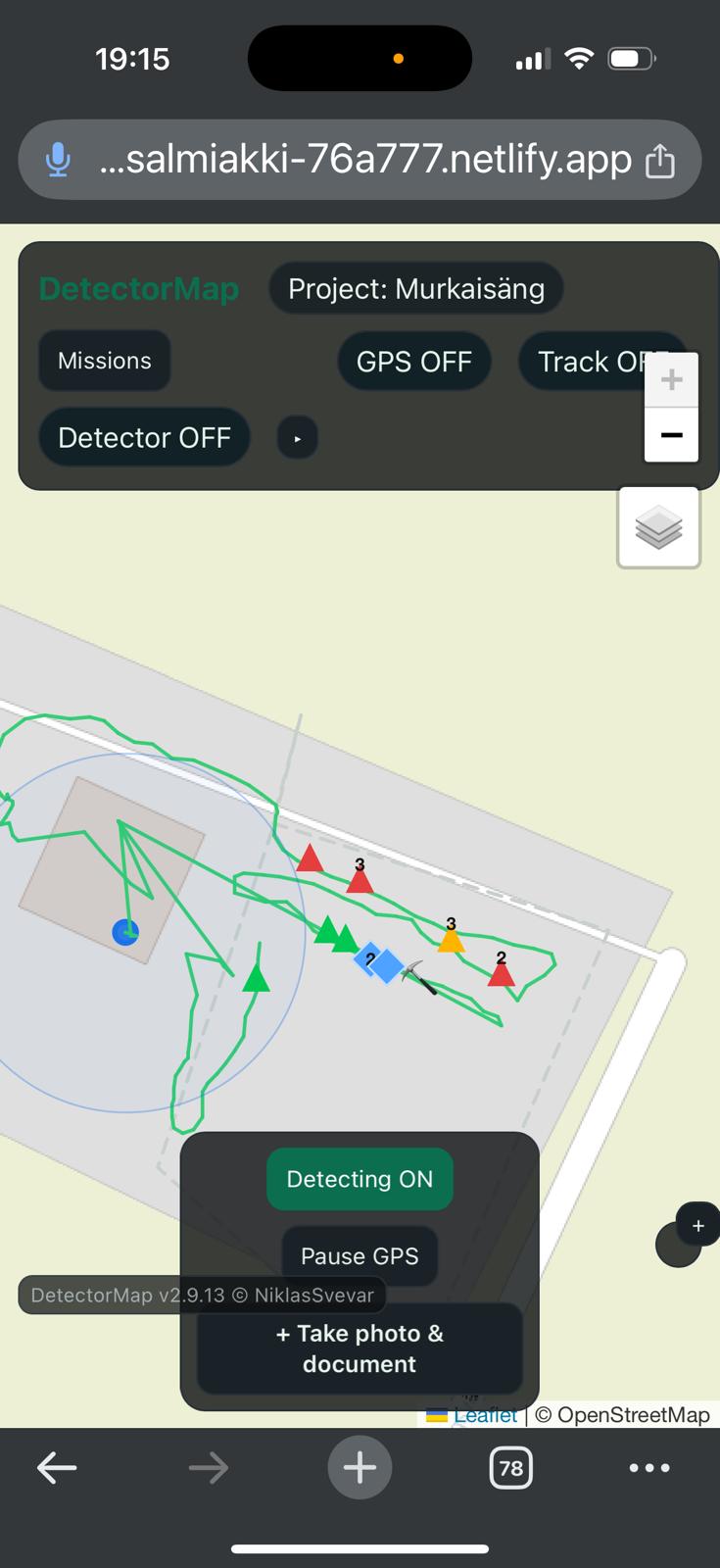
Why a find logbook matters
Over time, detector finds are easy to lose context around. A photo alone rarely tells the full story. A notebook alone rarely keeps the map position. And memory becomes unreliable across multiple sessions.
- find photos get buried in the camera roll
- notes are separated from location
- later review becomes harder
- reporting or sharing can become incomplete
How GeoDetectit helps
GeoDetectit lets you treat each field session as a proper documentation workflow instead of scattered fragments.
- attach photos to missions and markers
- keep GPS positions with documentation
- add categories and notes
- export data in formats you can keep and reuse
Photos with context
Store field photos with mission structure instead of only in a generic photo gallery.
Notes with location
Keep find notes connected to map positions and sessions.
Portable archive
Export your documentation to open formats for backup, GIS or later reporting.
More than a simple note app
GeoDetectit is not just a notes tool. It combines mapping, field movement, detector workflow and documentation in the same system.
- missions for each site
- tracks and field coverage
- marker-based logging
- photos and comments
- ZIP backup and open export
Useful later too
A structured detecting find logbook becomes more valuable over time. It helps when you return to a site, compare sessions, sort through photos or prepare documentation for others.
Built for privacy and portability
GeoDetectit follows an offline-first and local-first model. Your data stays on your device unless you choose otherwise. Export is available in open formats such as GeoJSON, GPX, KML and ZIP, making the logbook more useful than a locked-in proprietary record.